



How to Use the Touchscreen on an Aging Line: Parameter Setting and Status Monitoring
Time:
2026-11-05 08:27
Source:
Author:
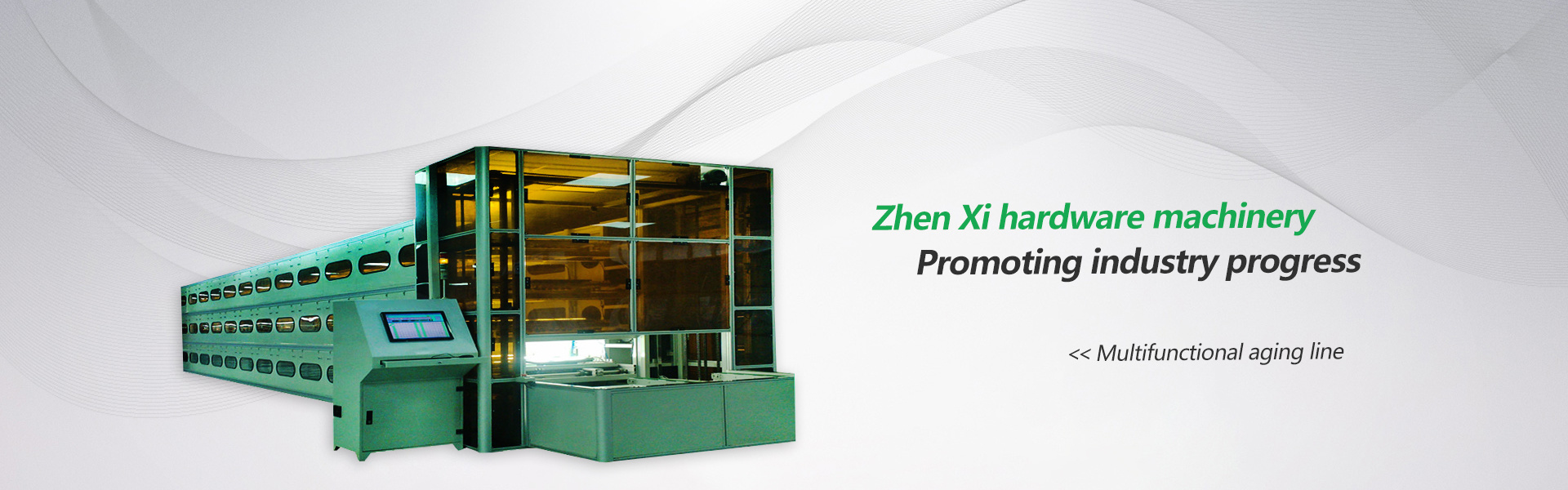
The touchscreen on an aging line is the operating console of the whole line. Voltage levels, aging duration and zone status are all set and viewed on the touchscreen. How well the touchscreen is used directly affects the efficiency and controllability of the aging line.
The core function of the touchscreen is parameter setting. Voltage levels, duration of each stage and zone parameters are all set on it. The low-voltage, normal-voltage, high-voltage and roaming aging stages can each be configured independently for voltage and time. The settings should be intuitive, so operators can read and change them correctly.
Another function is status monitoring. The touchscreen shows the power-on status of every aging zone and branch in real time — which stations are aging, what the current and voltage are, and whether anything is abnormal. There is no need to check stations one by one; a drop in power or an overload shows up on the touchscreen at once.
There are also alarms and traceability. When something is abnormal, the touchscreen alarms and shows which station and what the problem is. Aging data is kept and, combined with code-scan binding, can trace back to the aging record of every product.
The value of the touchscreen is making the aging line controllable, visible and traceable. Power-on aging runs uninterrupted, and the aging status of products is presented and managed through the touchscreen. The touchscreen must be well configured, with a clear interface and simple operation.
An aging line is non-standard and customized; the touchscreen interface, functions and data dimensions all follow the product and aging process. Zhenxi has built aging lines for years and can customize the touchscreen HMI to your aging process, from design to installation and commissioning. To configure the touchscreen of an aging line, message us or visit www.cnzhxi.cn.
Related news

undefined
Shenzhen Zhenxi Automation Equipment Co., Ltd
Zhenxi Automation (Huizhou) Co., Ltd

Technical consultation: 13421327150 (Mr. Yang)

Service consultation: 13421327150

Shenzhen Company: No. 15, Tongfu Industrial Zone, Jiangshi Community, Gongming Street, Guangming New District, Shenzhen
Factory address: Building 19, Xinli Kangle Chuangcheng Phase III, Shuikou Street, Huicheng District, Huizhou City

Website two-dimensional code
Copyright ©2018 Shenzhen zhenxi hardware machinery co., ltd.
Powered by www.300.cn